
Using ZELDA NOTES
Open ZELDA NOTES in the free Nintendo Switch app and select Ocarina of Time . Use the same Nintendo Account on your smart device as you did on your console profile with your game save. A Nintendo Switch Online membership is not required.
Requirements and Setup
- Connect the console to the internet. Select the game in the HOME Menu and open the software options with the + button. Select “Software Update → Via Internet”. Version 1.1.1 added support for ZELDA NOTES.
- Start the game with your usual profile and follow the setup instructions. The connection can be activated under “+ → System → Options → Zelda Notes”.
- Update the Nintendo Switch app on your smart device and sign in with the associated account. Open ZELDA NOTES and Ocarina of Time.
- To view your game data, you must enable the sharing of usage data in your Nintendo Account’s privacy settings. Decide there whether you want to share the data.
Features for Ocarina of Time
| Area | What you use it for |
|---|---|
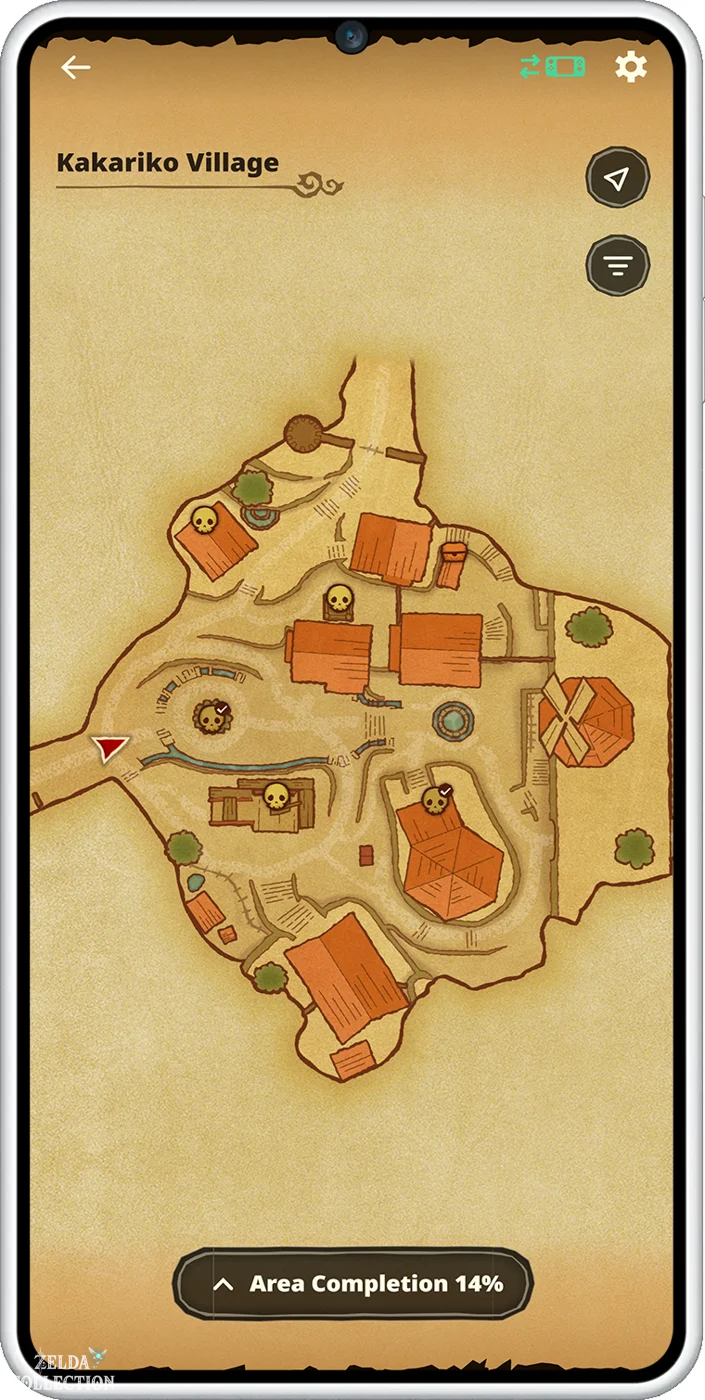
| Map | Search for collectibles and chests; hide unvisited areas. |
| Myth Research | Find in-game image motifs; exchange points for sheet music. |
| Hall of Fallen Foes | View best times and medals and compare rankings. |
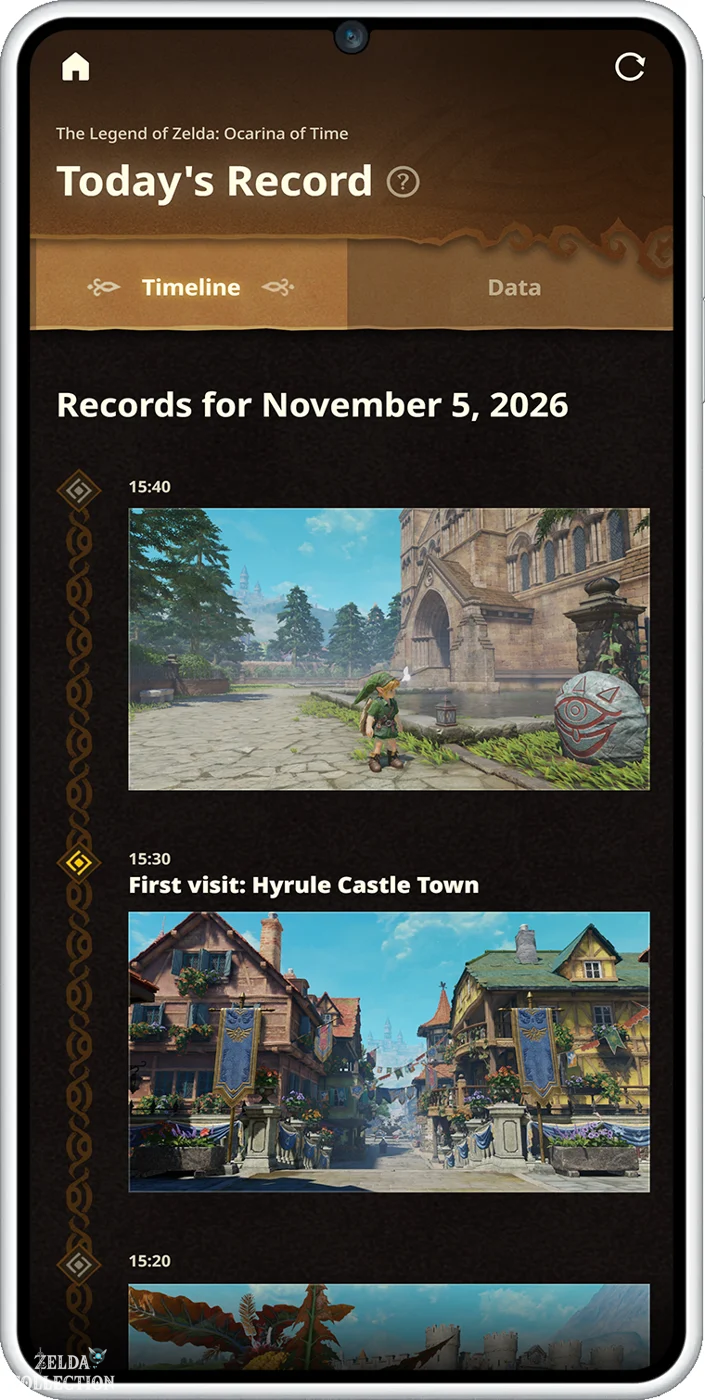
| Diary | View game events and automatically captured images by day. |
| My Profile | Check achieved milestones and medals. |
| Statistics | Compare your own results with those of other players. |
| Image Studio | Create screenshots and attach melody QR codes. |
| Threads of Time+ | Open sections of the tapestry and watch the cutscenes you’ve reached. |
| amiibo | Track usage and receive bonus usage. |
| Play the ocarina | Play freely, use practice aids or the demo, and share your own sheet music. |
| Ocarina of Time Quiz | Answer questions at two difficulty levels; additional attempts cost 20 Rupees. |
Transfer Rupees from in-game shops for Myth Research clues and additional quiz attempts. You can continue to follow the main story and the tasks in Threads of Time directly on the console. Our interactive map supplements the location search with links to the solutions.
If game save or connection is missing
First, check if the app and console are using the same Nintendo Account and if that account already has game saves. Keep the console online while playing and check that user data sharing is enabled. Update the app, operating system, and default browser; on Android, also update Android System WebView. If problems persist, log out of the app and log back in. If there is a Nintendo service outage, try again after maintenance is complete.
Ocarina Help in the Solution Area
The Ocarina Songs open pathways and lead you to travel platforms. The Scarecrow Song is saved as a child with Bonooru and confirmed as an adult. The microphone settings on the console are located under Controls and Camera .