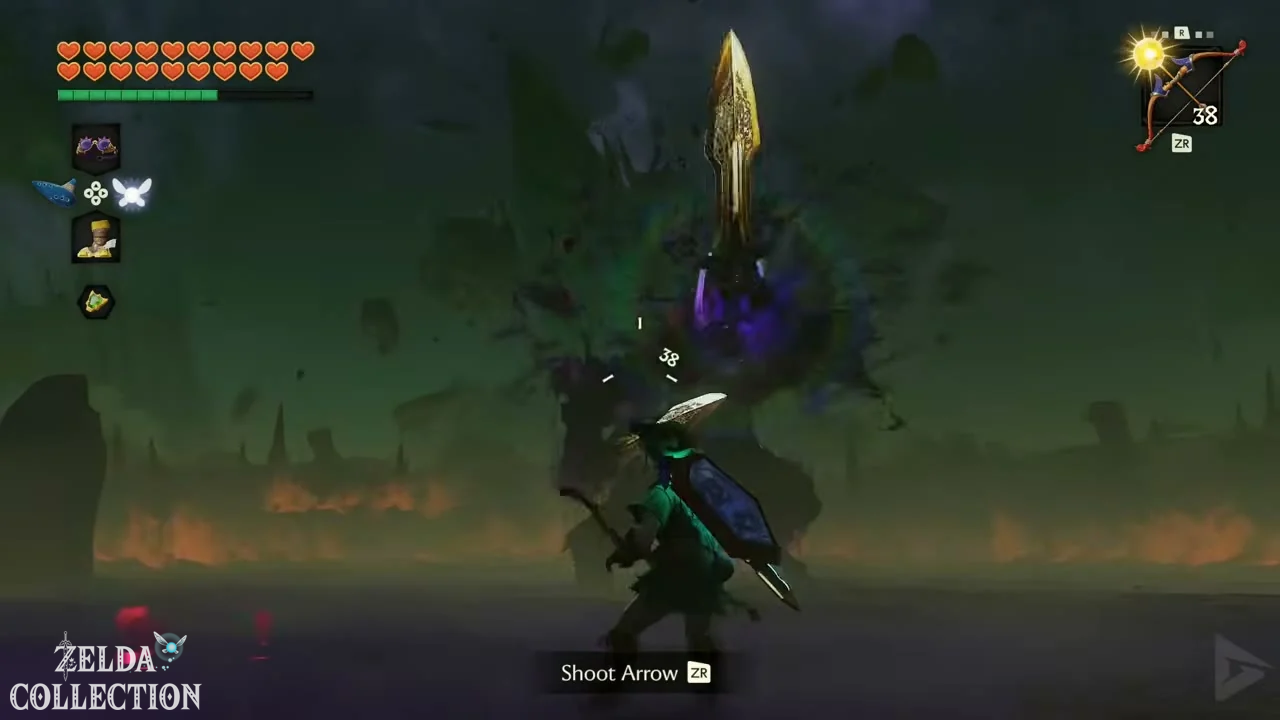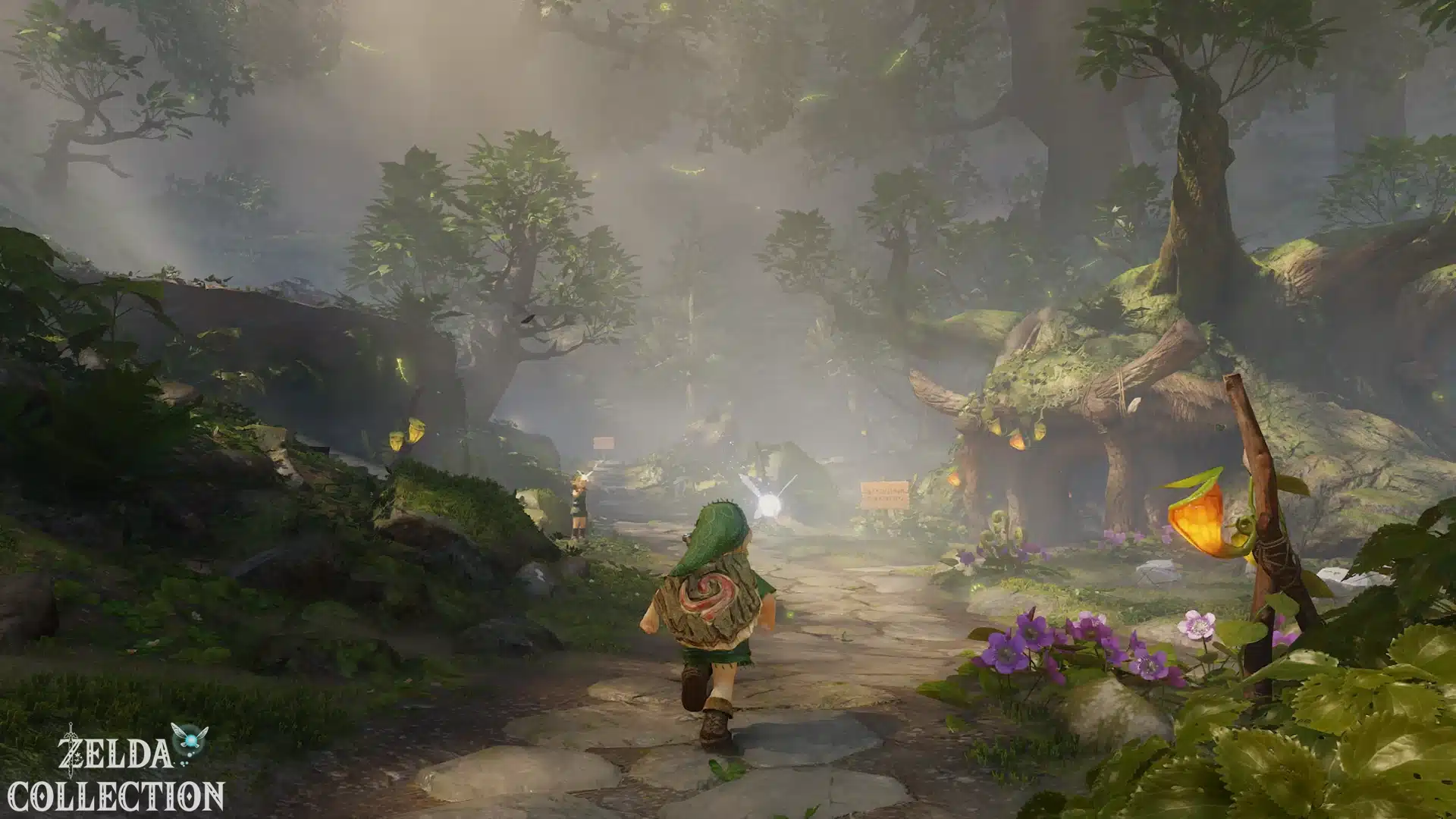

Moving and Aligning the Camera
Move Link with the left stick and rotate the camera with the right. Hold A to sprint and press X to jump. Adjust Link’s position before jumping on narrow paths. The table shows the default controls; modified settings and the specific situation may affect individual actions.
| Action | |
|---|---|
| Left Stick | Move |
| Right Stick | Rotate Camera; Press to Reset |
| A | Action; Hold to Sprint |
| B | Sheathe/Cancel Weapon |
| X | Jump |
| Y | Attack with weapon |
| ZL | Target lock / Shield in combat |
| ZR | Use selected item |
| L / R | Change item; Hold for quick selection |
| D-pad up | Change headgear |
| D-pad right | Change boots |
| D-pad down | Bring out the ocarina |
| D-pad left | Talk to Navi |
| − | Open map |
| + | Open menu |
Aiming and Using Items
Select the item with L or R and use it with ZR. For a precise shot, hold the button and release it to fire. In combat, hold ZL to move sideways and jump with X to dodge; push the stick back for Link to perform a backflip. Check your equipment after an age change
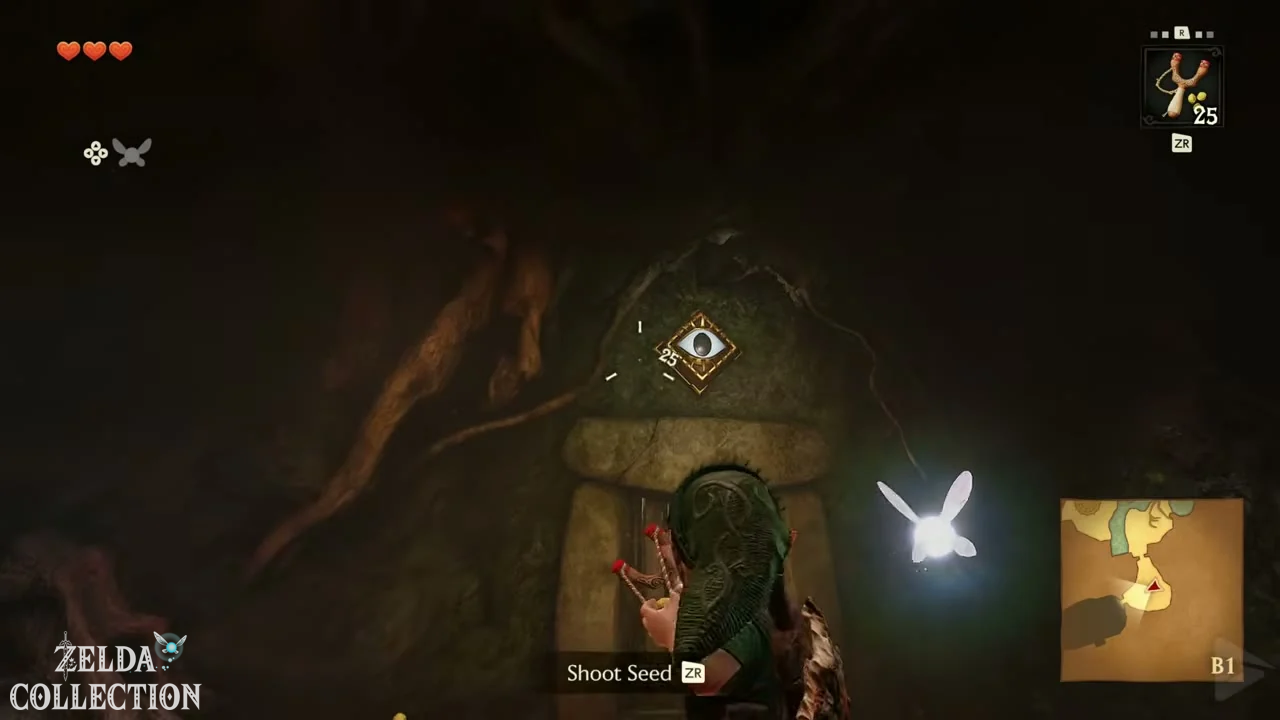
Adjust camera and target acquisition.
Open the menu with + and select System → Options “Invert Camera Vertically” and “Invert Camera Horizontally” mirror the respective axis. “Camera Rotation” controls the speed. Under “Aim with Motion Controls,” you can turn gyro aiming on or off. “Target Acquisition Type” offers “Hold” or “Switch”; “Change Jump Controls” adjusts the jump controls. Afterward, compare the displayed button tips.
Ocarina and Orientation Aid
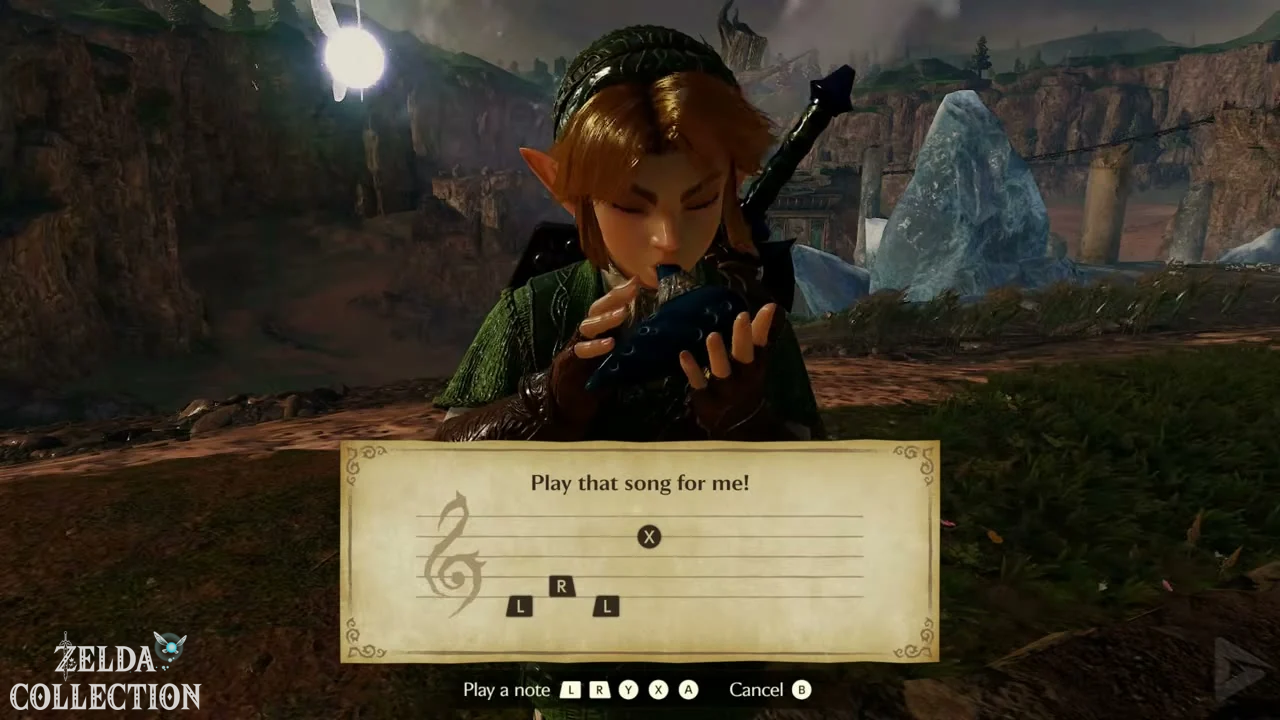
Pressing down on the D-pad opens the Ocarina. Under System → Options → Ocarina Button Input , you’ll find “Standard” and “Classic.” The Song Page displays the standard sequences. “Ocarina Audio Input” offers “None,” “Instruments,” and “Humming.” For microphone detection, select the appropriate input type and play a previously learned melody clearly. If it’s detected too quietly, move closer to the microphone or use the buttons.
Under Threads of Time you will find the itinerary and destinations. “Screen Displays” offers “Standard,” “Pro,” and “Master” with progressively less information displayed. The early tasks in Kokiri Forest are suitable for practice.